FEATURES
Helpdesk & Support Management Features
Explore the core capabilities available in
Helpdesk / Service Desk Management System.
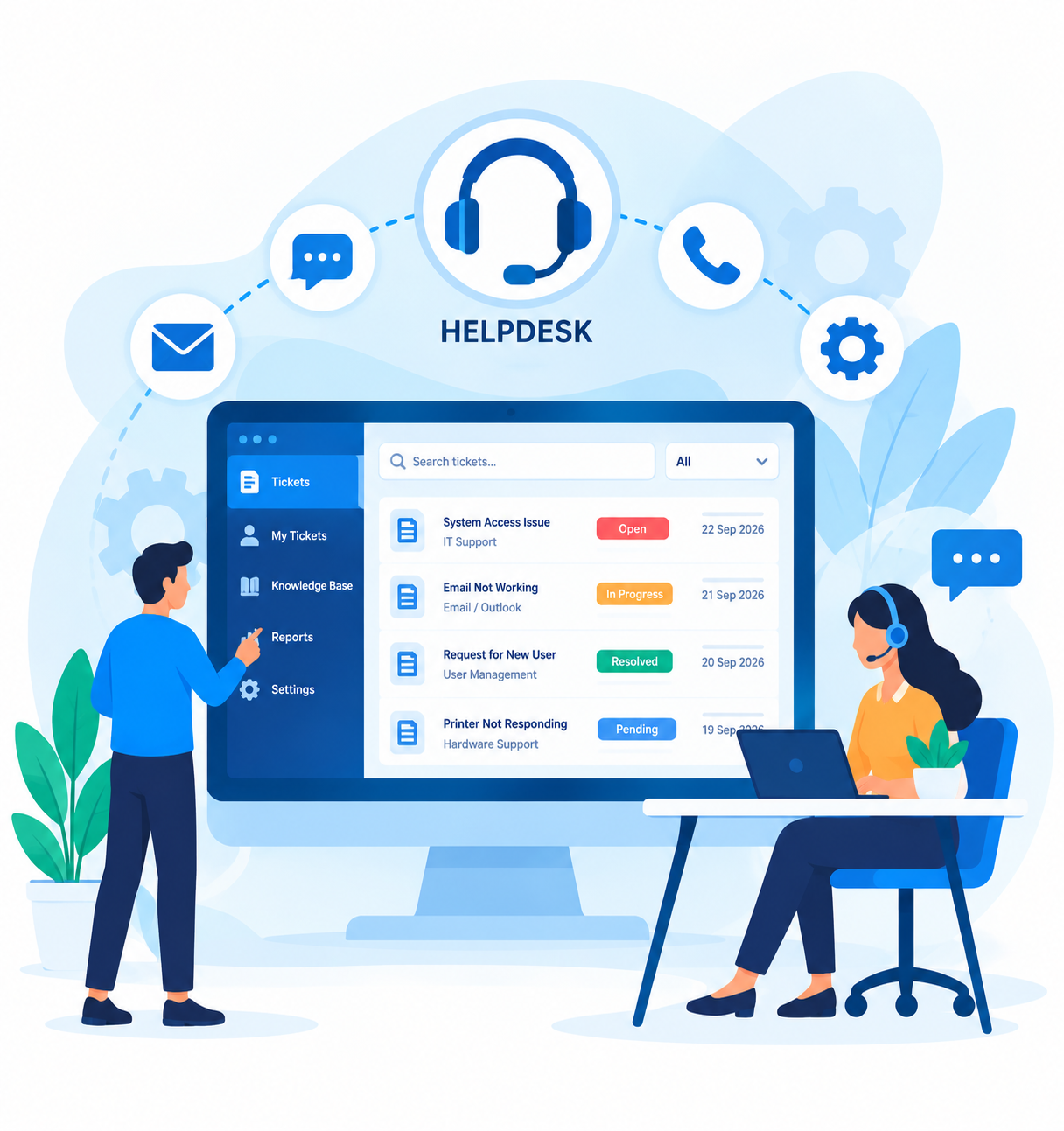
Create, organize, assign, and manage IT support tickets through a centralized helpdesk ticketing system. Streamline issue reporting, ticket prioritization, and resolution workflows to improve service desk efficiency and user satisfaction.
Manage employee support requests, technical issues, and service inquiries through an integrated IT helpdesk management system. Track reported problems, monitor support activities, and improve communication between users and support teams.
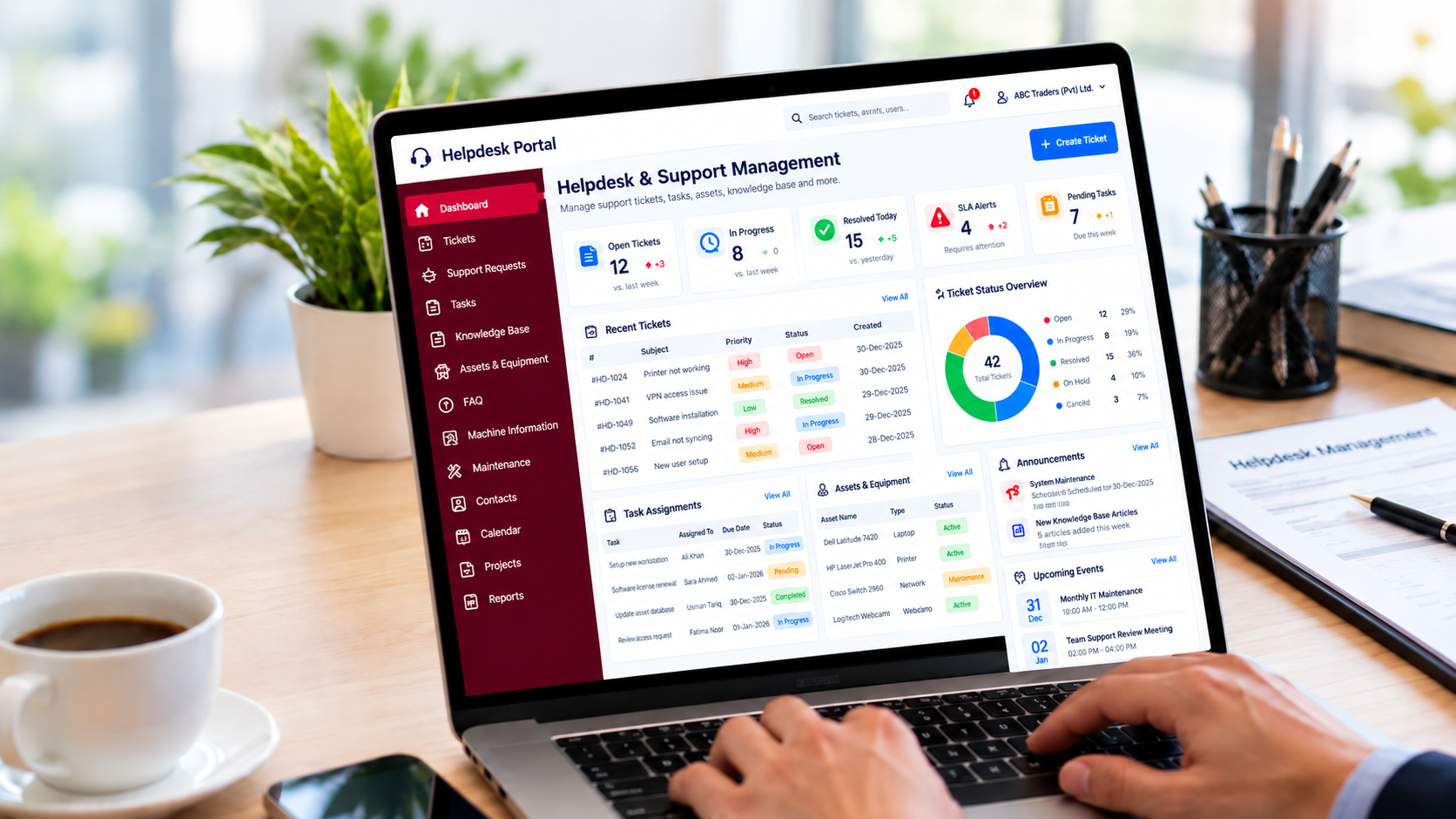
Monitor helpdesk ticket status, resolution progress, priorities, and pending support activities in real time. Improve ticket visibility, reduce response delays, and ensure support requests are handled efficiently throughout their lifecycle.
Assign, organize, and track support tasks, responsibilities, deadlines, and completion status through a centralized task management system. Improve team collaboration, workload distribution, and accountability across helpdesk operations.
Store, organize, and manage support documents, technical manuals, attachments, and service-related records in one centralized document management system. Improve document accessibility, information sharing, and support team productivity.
Build and maintain a centralized IT knowledge base containing troubleshooting guides, technical solutions, procedures, and support documentation. Enable faster issue resolution, promote knowledge sharing, and reduce repetitive helpdesk requests.
Create and manage frequently asked questions, common technical issues, and step-by-step support solutions through an organized FAQ management system. Improve employee self-service support and reduce routine inquiries to IT support teams.
Track and manage organizational IT assets, computers, devices, equipment assignments, and asset records through an integrated helpdesk asset management system. Improve equipment visibility, asset accountability, and IT resource management.
In a helpdesk system, the Machine Info feature provides essential details about a system’s hardware and software, including processor, memory, storage, operating system, and installed applications. It allows users to efficiently resolve issues by quickly retrieving and updating machine details. Features include options to add, edit, export, or delete machine information, ensuring that support staff can effectively troubleshoot problems while keeping sensitive data secure.
In the helpdesk system, the Cards feature organizes key information into seven categories: Employee, Lead, Account, Campaign, Competitor, and Contract. Each category allows for comprehensive management—such as tracking staff details, managing leads, overseeing customer accounts, handling marketing campaigns, monitoring competitors, and managing contracts. Users can add, edit, or delete records within these sections to maintain accurate and effective helpdesk operations.
Manage equipment maintenance requests, repair activities, service assignments, and maintenance status through a centralized maintenance management system. Streamline maintenance workflows, reduce equipment downtime, and improve operational efficiency.
Maintain centralized contact information for employees, support personnel, departments, and service providers. Improve helpdesk communication, simplify support coordination, and ensure efficient handling of technical assistance requests.
Keep employees and support teams informed through centralized helpdesk announcements, service updates, system notifications, and important alerts. Improve internal communication and ensure timely awareness of support-related activities.
Organize and manage support schedules, maintenance activities, meetings, and important events through an integrated helpdesk calendar. Improve scheduling visibility, team coordination, and planning of IT support operations.
Track important deadlines, scheduled maintenance dates, upcoming activities, and support-related reminders through a centralized reminder management system. Improve task planning, reduce missed deadlines, and support timely completion of service activities.
Manage employee goals, assigned responsibilities, task progress, and performance objectives through an integrated employee task tracking system. Improve workforce accountability, productivity monitoring, and achievement of departmental goals.
Integrate the helpdesk management system with Microsoft Active Directory to support centralized user authentication and account management. Simplify employee access, improve identity management, and support organizational IT security policies.
Plan, organize, and monitor IT projects, project tasks, resources, deadlines, and progress through a centralized project management system. Improve team collaboration, project visibility, and efficient delivery of IT initiatives.
Monitor helpdesk performance through centralized dashboards and reports covering ticket volumes, issue status, pending requests, support activities, and resolution progress. Gain actionable insights to improve service desk productivity, operational visibility, and support performance.