
Secure Document Storage
Store, organize, and manage business documents in one centralized document management system. Improve document accessibility while keeping important company files secure and structured.
Progrox Fleet Management System (FMS) is a comprehensive fleet management software solution that helps businesses manage vehicles, maintenance, fuel consumption, asset utilization, compliance, and operating costs from one centralized platform. It helps reduce fleet costs, improve vehicle performance, streamline operations, and enhance fleet visibility through reporting and analytics.
View all Progrox applications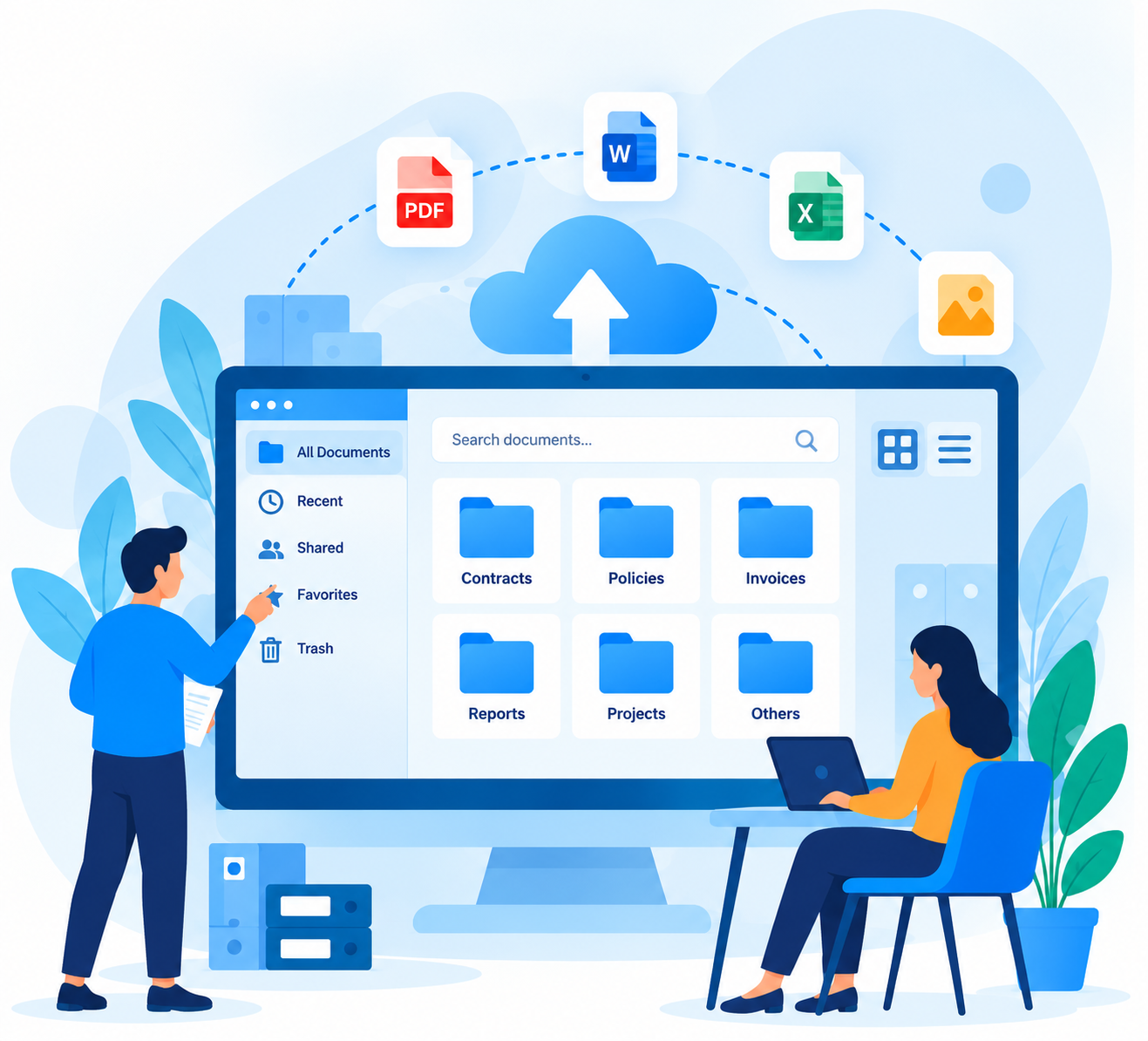
Understand how Document Management System helps simplify day-to-day operations and improve business visibility.
Progrox Document Management System (DMS) is a centralized document management software solution that helps businesses securely store, organize, search, access, and share digital documents. It improves document workflows with version control, collaboration, document tracking, and secure access, helping teams reduce manual work, retrieve information faster, and improve operational efficiency.
All the essential tools to securely manage documents, streamline approvals, improve collaboration, and organize business information efficiently.
🗃️
Securely store, organize, and access digital documents from one centralized repository.
🔍
Extract searchable text from scanned documents and images for faster retrieval.
🔎
Quickly locate documents using keywords, filters, metadata, and search criteria.
📁
Categorize documents using indexes, classifications, and organized metadata.
🔒
Protect sensitive files with user permissions, access controls, and document restrictions.
📋
Track document activities, user actions, access history, and changes for accountability.
🔄
Maintain document revisions, track version history, and access previous versions.
📂
Organize, update, share, and maintain business documents throughout their lifecycle.
✅
Streamline document reviews, approval processes, and workflow activities.
📥
Assign documents to employees or departments for review, processing, and follow-up.
⏳
Monitor pending document tasks, outstanding approvals, and required actions.
📝
Create, assign, monitor, and manage document requests across departments.
👥
Manage employee profiles, user accounts, roles, and document access permissions.
🏢
Maintain centralized company information, organizational records, and directory details.
📞
Organize business contacts, communication details, and related contact information.
📈
Track document progress, processing status, approval stages, and completion updates.
Explore the core capabilities available in Document Management System.
Store, organize, and manage business documents in one centralized document management system. Improve document accessibility while keeping important company files secure and structured.
Convert scanned documents and images into searchable digital content using OCR technology. Find important information faster and reduce dependency on manual document entry.
Quickly find documents using keywords, metadata, categories, dates, document types, and other search criteria. Reduce time spent searching for business records and files.
Document Type in a Document Management System (DMS) classifies documents based on their content and purpose, such as invoices, contracts, or reports. This categorization helps organize, retrieve, and manage documents efficiently, streamlining workflows and enhancing search capabilities. It also ensures that appropriate security measures and compliance standards are applied to each document category.
Organize documents using structured indexing, categories, metadata, and classification rules. Improve document retrieval, consistency, and information management across the organization.
Protect sensitive business documents with controlled user access and permissions. Ensure authorized employees can securely access the documents relevant to their roles.
Maintain detailed audit trails of document activities, including access, updates, approvals, and other actions. Improve accountability, traceability, and document governance.
Track document revisions and maintain accurate version history throughout the document lifecycle. Reduce confusion from duplicate files and ensure users work with the appropriate document version.
In a Document Management System (DMS), a project is a structured initiative with defined goals, activities, and timelines. It includes various documents, such as plans and reports, managed and tracked within the system. The DMS helps organize and monitor project progress, ensuring effective collaboration and efficient achievement of project objectives.
Automate document routing, review, and approval workflows based on your business processes. Improve approval visibility, reduce manual follow-ups, and speed up document processing.
Assign documents and related actions to specific users or employees with clear responsibilities. Improve accountability and ensure required document tasks are completed efficiently.
Monitor pending document reviews, approvals, assignments, and required actions from one system. Help teams identify outstanding work and avoid delays in document processing.
Create, assign, monitor, and manage internal document requests through a structured workflow. Improve communication and ensure requested documents are submitted and processed efficiently.
Manage users, employees, roles, permissions, and document access from a centralized platform. Provide appropriate access while improving administrative control and document security.
Maintain organized company, department, employee, and organizational information within the DMS. Make relevant business contacts and document-related information easier to access.
Centralize customer, vendor, employee, and other business contact information associated with documents. Improve record organization and simplify access to important contact details.
Track document status throughout its lifecycle, from creation and submission to review, approval, completion, or rejection. Gain better visibility into document progress and outstanding actions.
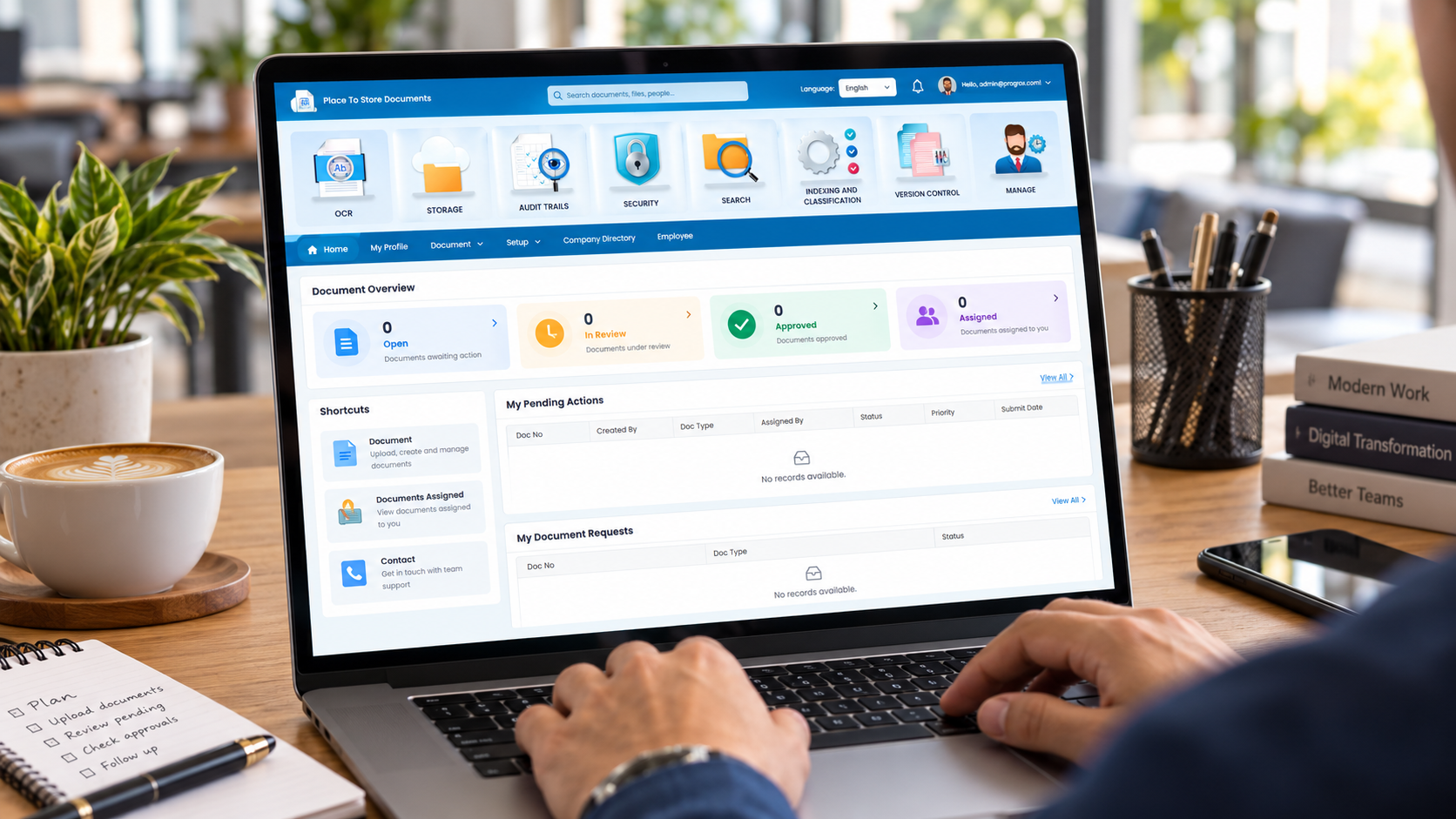
Explore product screens and videos to understand how the software works before requesting your demo.
Get quick answers about the product, its capabilities, and the Progrox demo process.
Experience the application before making a decision. Submit your requirements and our team will prepare the right demo environment for your evaluation.